
 EN







GTA 6 headphones: how to listen to music and podcasts on foot (a series first)
For the first time in GTA, the radio can follow you outside your car. You just need to buy headphones or earbuds, equip them in the right loadout slot and hold Left on the D-pad. Full steps, plus how to pause podcasts.
Walking through Vice City with your favourite station in your ears: it is a series first in GTA 6 (VGC). But it is not automatic. You need to buy and equip headphones first, and many players have not found how yet. Here is the full method, according to GamesRadar+.
1. Buy headphones or earbuds
- Open the in-game Index, go to the Style tab and pick Electronics: it lists every store that sells them, sorted by distance (GamesRadar+).
- Prices start at around $100 for a basic pair and go up for more luxurious models depending on the store.
- Jason and Lucia each need their own pair.
2. Equip them
- Hold L1 / LB to open your loadout, then press R1 / RB to move to the Items tab.
- The second slot of the wheel is headgear: select it with the right stick and press X / A to equip your headphones (GamesRadar+).
3. Play the radio or a podcast on foot
- Hold Left on the D-pad to open the radio, exactly like in a car. Browse stations with L1 / LB and R1 / RB or the right stick, then release to play. X / A turns the radio off (GamesRadar+).
- For podcasts: in the same menu, push the right stick down to reach On Demand. Square / X switches episodes, X / A plays (GamesRadar+).
- Tip: if you pause a podcast in the On Demand section, it picks up where you left off later, on foot or in a vehicle.
- Which stations to choose? See our official radio stations, the songs heard on day one and the secret station The Vault, all part of the In-game radio in GTA 6: official Rockstar previews, plus the GTABase station list.
Lost your headphones?
If you get into a fight with the police or a passer-by while wearing them, they can fall to the ground. Pick them up once the brawl is over, otherwise they are lost for good (GamesRadar+).
Video: GTA 6: How to Listen to Music Outside of Car on YouTube, Accelerated Ideas.
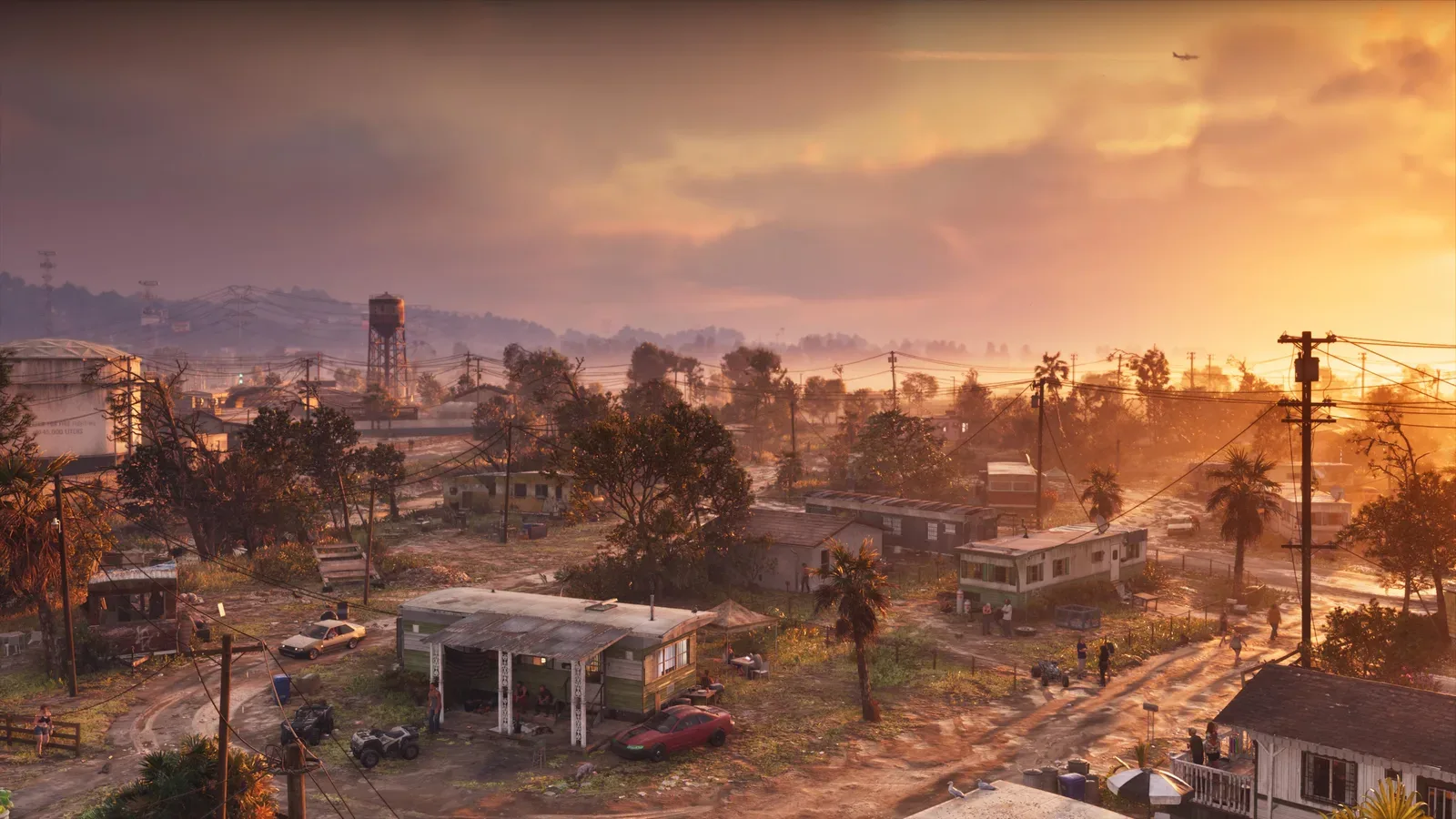
Official Rockstar screenshot of Port Gellhorn at sunset: with headphones on, the radio now follows you on foot. Source: rockstargames.com/VI.
Sources
Written on 19 November 2026 at 20:30, Paris time (Europe/Paris). We will update this page as new finds are confirmed.
- GamesRadar+ (Josh West): How to use headphones in GTA 6 to listen to music and podcasts
- VGC: Rockstar reveals some of GTA 6's radio stations, says players can now listen to the radio and podcasts on foot
- Accelerated Ideas (YouTube): GTA 6: How to Listen to Music Outside of Car